Meeting Room/Conference
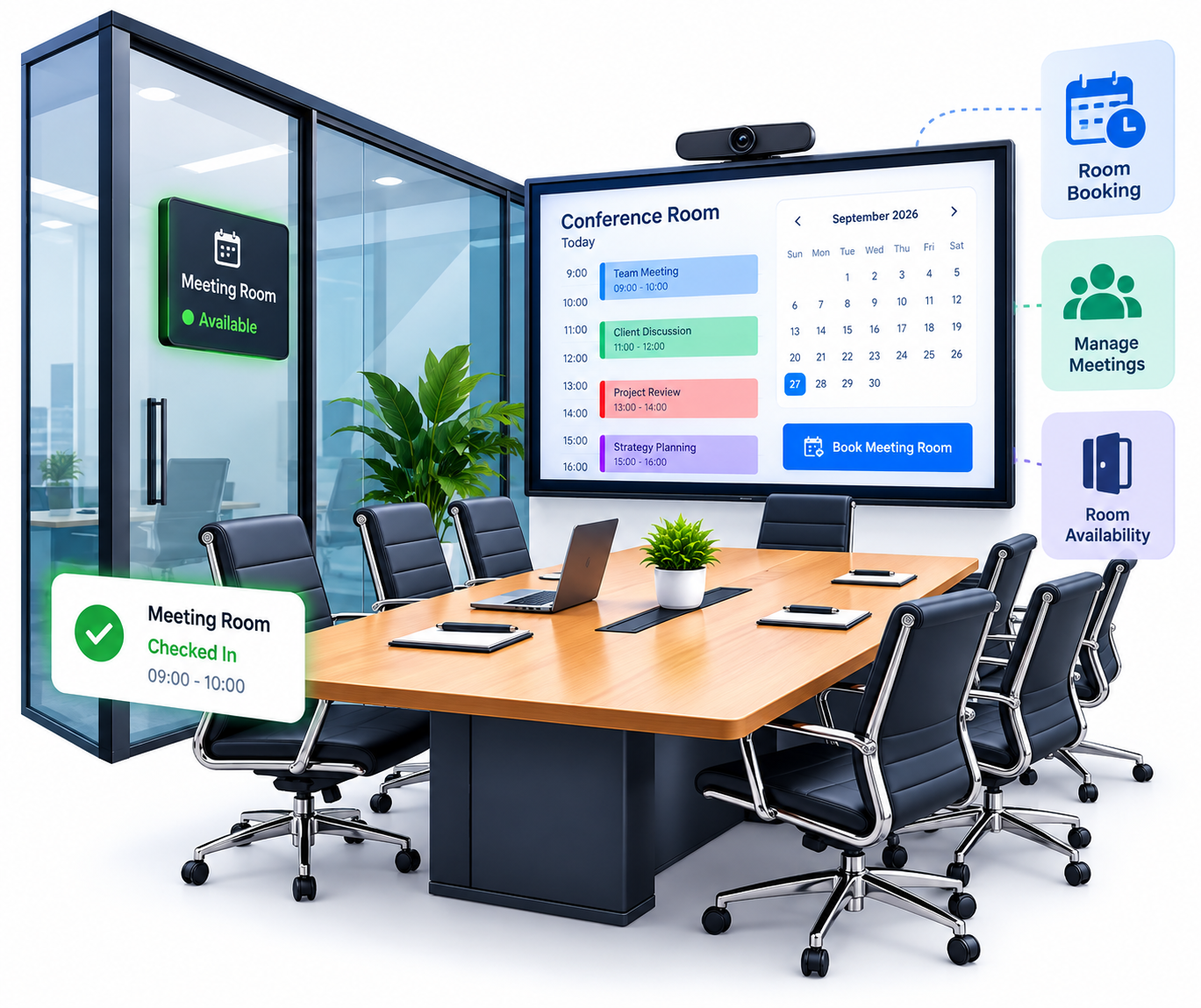
Managing shared meeting rooms can become difficult when bookings are handled through emails, spreadsheets, or separate calendars. Employees may struggle to find available rooms, while overlapping bookings can create unnecessary confusion. A meeting room management system provides a centralized way to manage meeting rooms, bookings, reservations, and schedules. FTPASS helps organizations organize meeting spaces digitally and manage room-related activities through a structured platform.

What Is a Meeting Room Management System?
A meeting room management system is a digital solution for managing meeting room availability, bookings, reservations, and schedules from a centralized platform.
Instead of relying on manual coordination, employees or authorized users can check room availability and organize meetings according to the available schedule. This makes it easier to manage shared meeting spaces and maintain organized booking records.
How Does a Meeting Room Booking System Work?
A meeting room booking system brings the main steps of room management into one process.
Check Room Availability
Users can check which meeting rooms are available before selecting a suitable space.
Make a Booking
The user can select the required room and provide relevant meeting details based on the available schedule.
Confirm the Reservation
The booking details are recorded, creating a structured reservation for the selected room and time.
Manage the Schedule
Upcoming meetings and room bookings can be organized according to their planned dates and times.
Maintain Records
Digital booking information can be maintained for easier administration and monitoring.
Meeting Room Booking & Reservation Management
When several teams need the same meeting spaces, managing bookings manually can quickly become complicated. A centralized meeting room booking system gives users a clearer way to manage room availability and bookings. A meeting room reservation system can maintain information about scheduled meetings and reserved spaces in one place. This helps reduce the need for repeated communication between employees and administrative teams to confirm room availability. Organized booking information also makes it easier to identify suitable rooms and manage shared spaces more efficiently.
Meeting Room Scheduling for Offices
Effective room management depends on more than simply booking a room. Organizations also need to keep meeting schedules and room availability organized throughout the working day. Meeting room scheduling software can help employees plan meetings around available spaces and reduce confusion caused by overlapping bookings. A centralized schedule provides better visibility into upcoming meetings and helps teams make informed booking decisions.
This can be particularly useful for busy offices where multiple departments regularly use conference rooms and shared meeting spaces.
Key Features of Meeting Room/Conference
FTPASS provides meeting room management as part of its broader workplace management platform. Its meeting room management software supports organizations in managing meeting spaces through centralized digital management. Key capabilities include:
Centralized management
Manage meeting room information and bookings through one platform.
Room scheduling
Organize meetings according to room availability.
Booking management
Maintain information about scheduled room bookings.
Reservation management
Keep digital records of room reservations.
Availability management
Help users identify suitable available spaces.
User access
Support controlled access based on organizational requirements.
Notifications
Support real-time notifications within connected workflows.
Digital records
Maintain booking and reservation information for administration.
Multi-location support
Manage workplace resources across different locations.
Customization
Configure the platform according to organizational requirements.
Benefits of a Meeting Room Management System
A meeting room management system can offer several practical benefits for organizations.
Better Room Utilization
Clear information about room availability can help organizations make better use of their existing meeting spaces.
Reduced Scheduling Conflicts
Organized booking and reservation information can reduce confusion caused by overlapping meetings.
Improved Visibility
Employees and administrators can get a clearer view of available rooms and scheduled meetings.
Centralized Management
Room information, bookings, and reservations can be managed through one platform instead of disconnected records.
Less Manual Coordination
A digital booking process can reduce the need for employees to repeatedly contact administrative teams about room availability.
Organized Records
Digital booking information provides a structured record of meeting room activity and reservations.
Meeting Room Management for Different Organizations
A meeting room management system can support organizations that regularly manage shared meeting spaces.
Corporate Offices
Businesses can manage conference rooms used by different teams and departments.
Coworking Spaces
Coworking facilities can organize meeting rooms shared by different members and businesses.
Educational Institutions
Schools, colleges, and training organizations can manage shared meeting and conference spaces.
Business Centers
Business centers can organize rooms used by employees, clients, and visiting teams.
Hospitals
Hospitals can manage meeting spaces used for staff meetings, administrative discussions, and training activities.
Multi-Location Organizations
Businesses operating across multiple offices can use centralized management to organize meeting spaces across locations.
Real-Time Room Availability & Booking Management
Knowing whether a meeting room is available can save employees time and make workplace coordination easier. Without clear availability information, users may need to contact administrators or other employees before finding a suitable space. A centralized meeting room booking software solution provides a more organized way to manage this information. Users can check available spaces and plan meetings based on the existing schedule. For organizations with multiple meeting rooms, this can also provide administrators with better visibility into room usage and availability.
Prevent Scheduling Conflicts and Double Bookings
Double bookings can disrupt meetings and create unnecessary workplace confusion. When room information is spread across different calendars or spreadsheets, it can be difficult to maintain an accurate schedule. A structured meeting room reservation system keeps booking information organized by room and time. This can help reduce confusion around overlapping reservations and provide a clearer process for managing shared meeting spaces.
Why Choose FTPASS?
FTPASS offers meeting room management as part of a broader workplace and facility management platform. Along with meeting room management, the platform includes visitor management, event pass management, attendance, cloud parking, and material gate pass management. FTPASS supports centralized management, multi-location operations, user access, notifications, customization, and both cloud and on-premises deployment options. This allows organizations to manage meeting spaces alongside other workplace processes through a connected platform. For businesses looking to organize room bookings, reservations, availability, and schedules, FTPASS provides a flexible approach to meeting room management software.